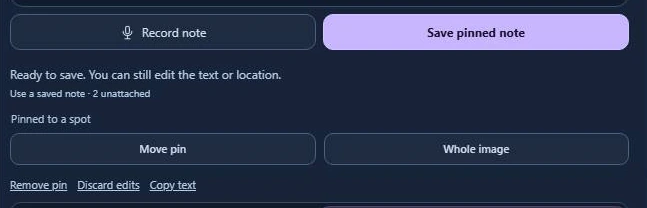
Where should I put this note?
A typo belongs on a word. A framing request applies to a picture. An approval instruction may apply to the whole job. Here’s how that works on one carton proof.
One spot
Click “Roasted Garlic” on the side panel. Type “Change Roasted to Toasted” and choose Save pinned note. The designer can jump straight to the typo.
One image
Choose Whole image for a request like “Show the entire unfolded carton in the next proof.” The instruction stays with that screenshot.
The whole review
In Voice to text, highlight “Send all revised cartons to the packaging lead.” Choose Attach to image, then Keep as general note. You only need to write it once.