
Share a voice note.
When there is no image, record a standalone note and check the transcript. Copy the clean text into a brief.
Follow the floral cover brief →Follow one campaign through VoiceFrame for Windows. See what the reviewer does and what the designer opens.
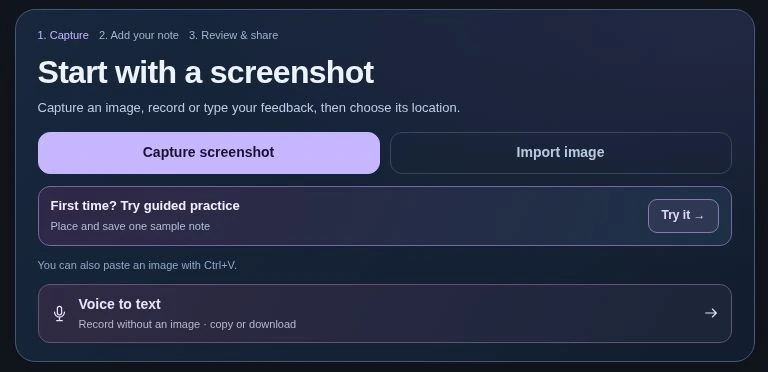
Capture a region of your screen, paste a screenshot or import an image. Include the surrounding detail the designer needs to recognize the problem.
In the campaign example
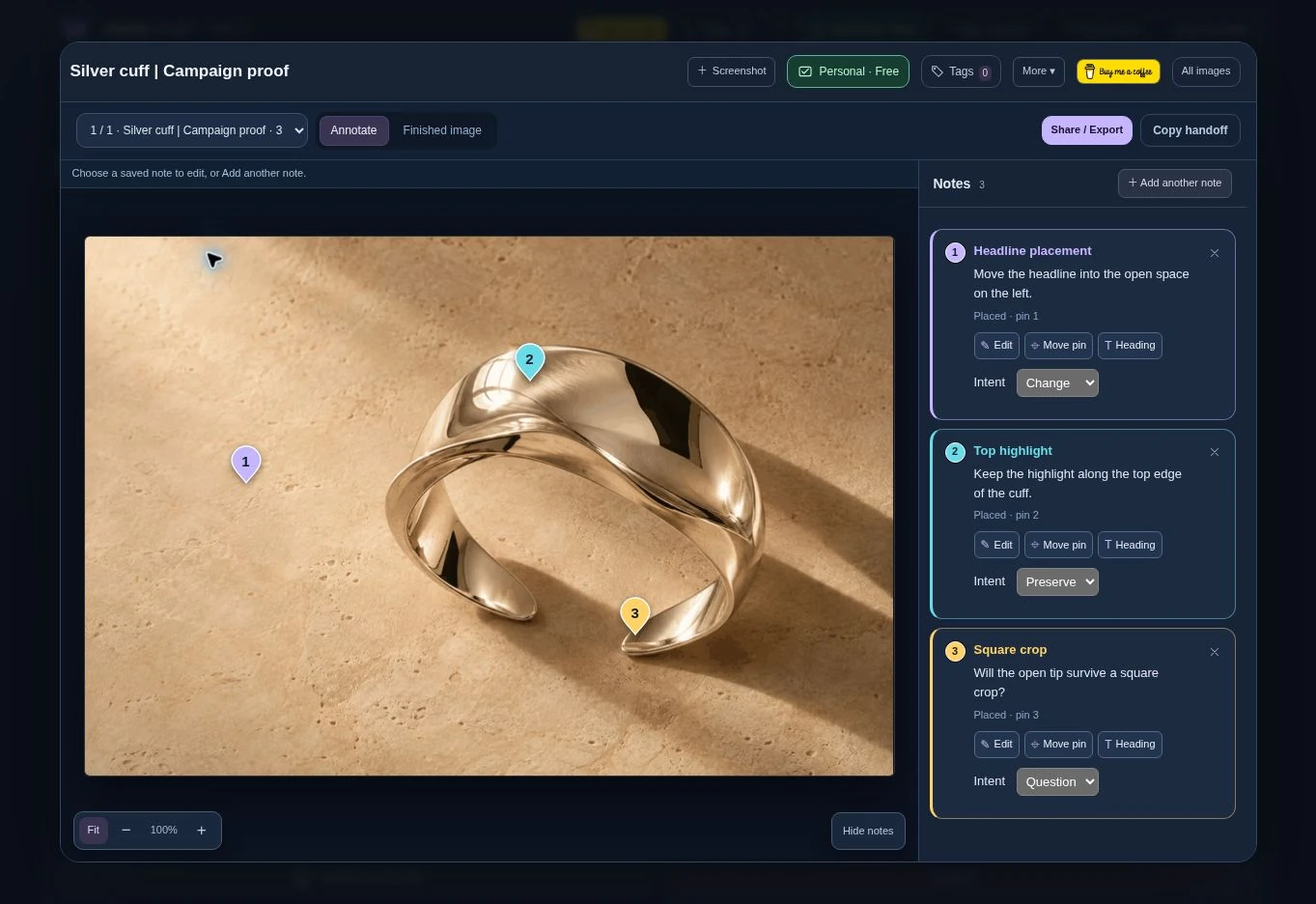
Capture the full silver cuff and the open space to its left. The lighting and the headline position will get separate notes.
Select a spot, then type or record a note. Read the wording and save the pin. Use Change, Preserve or Question to explain the decision.
In the campaign example
Place one Change note where the headline should move. Add a Preserve note on the highlight so the retoucher leaves it alone.
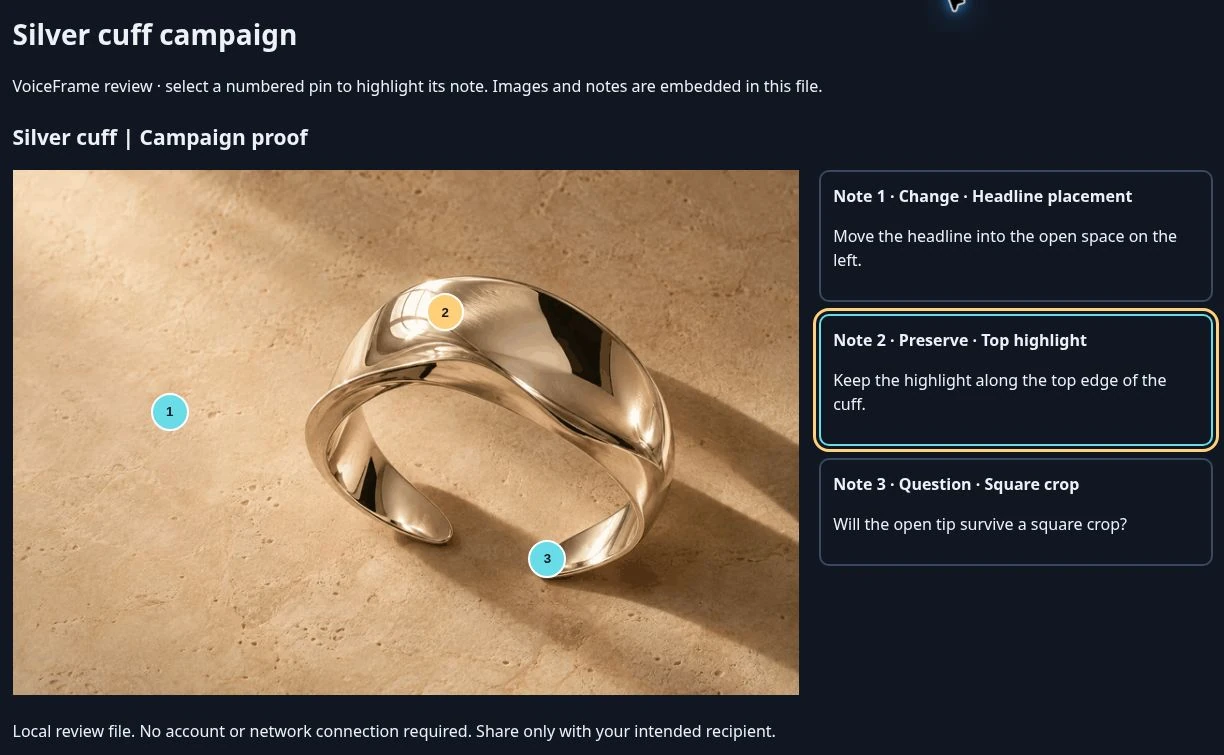
From Share / Export, choose an interactive HTML review when the recipient needs to see the exact spot. Send the exported file. The recipient opens it in a browser and selects a pin.
In the campaign example
The designer sees the same cuff, the headline request, the approved highlight and the question about the square crop.
When there is no image, record a standalone note and check the transcript. Copy the clean text into a brief.
Follow the floral cover brief →Copy the written steps as Markdown. Attach the annotated screenshot or review file in the issue so the developer can see the failure.
See the finished bug report →Capture the corrected version, choose the original and revised images, and check them side by side. The pavilion example shows exactly how the framing changes.
Compare the two mobile crops →Audio is off by default. If you include it, the interactive export includes every saved recording in the session. Review the session before sharing.
New Windows installations save sessions under Documents/VoiceFrame Studio by default. Optional browser transcription may use an online provider.
An exported HTML review opens in a browser. The Windows app is for creating and editing the review.