
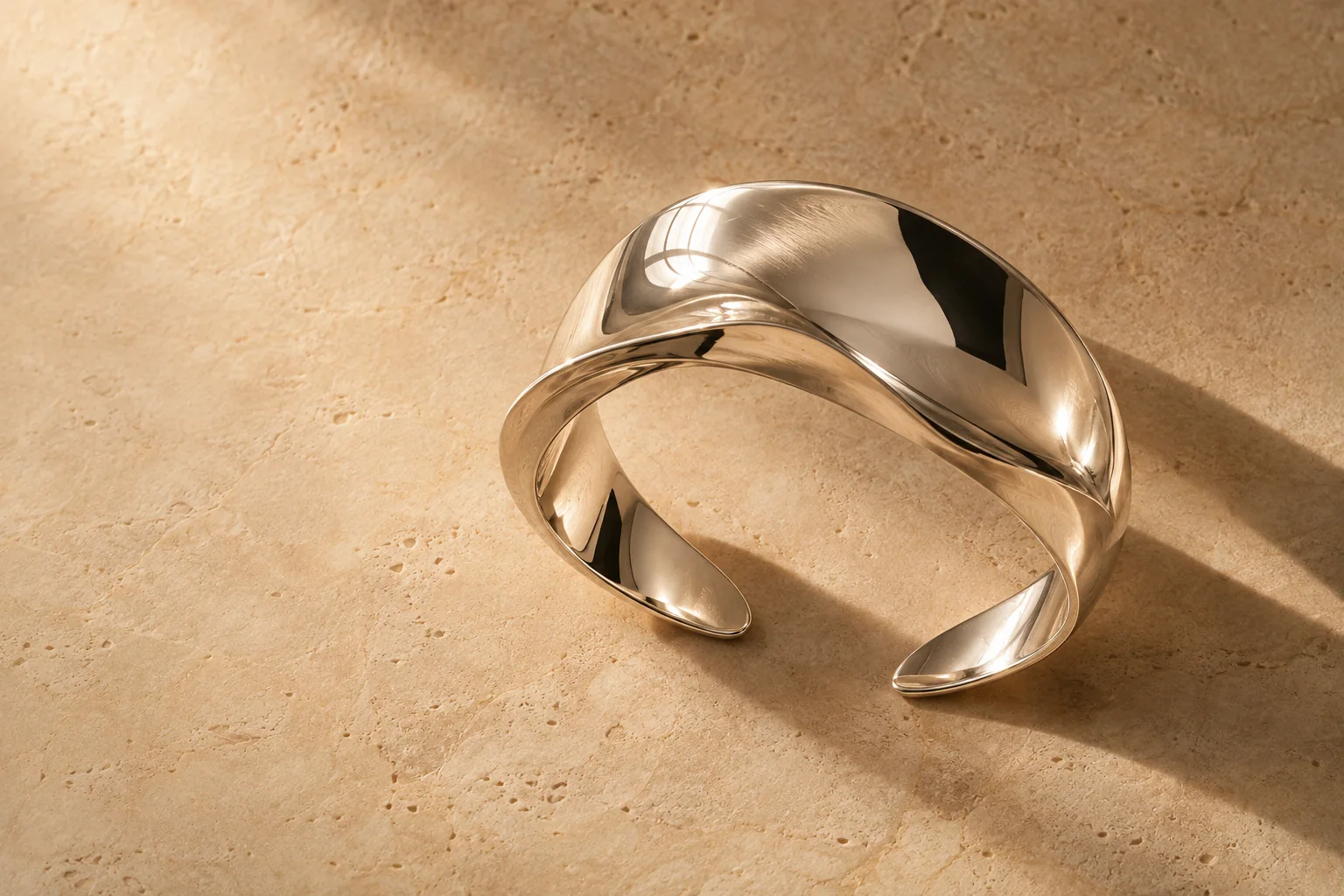
How the review works
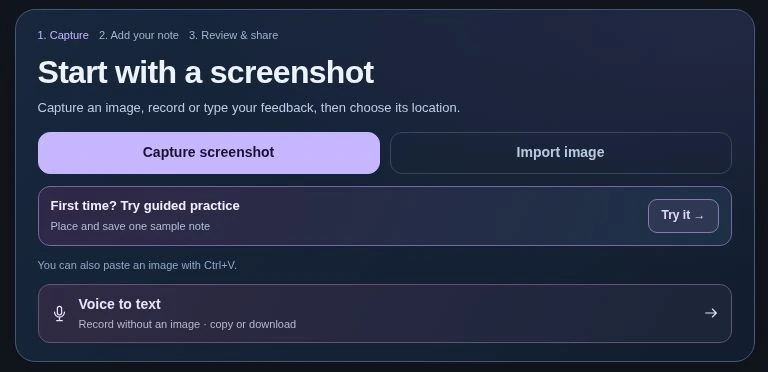
- Capture the proof and click the detail you are reviewing.
- Say or type the direction, then choose Change, Preserve or Question.
- Export the interactive review. The designer opens the file in a browser and selects any pin.
An art director wants to move the headline for a square ad while preserving the approved lighting. Three pins keep the requested edit, approval and open question separate.
The agency is preparing a square ad. The copy can move. The cuff’s finish is already approved. Here’s what the art director does in VoiceFrame before handing the proof back.
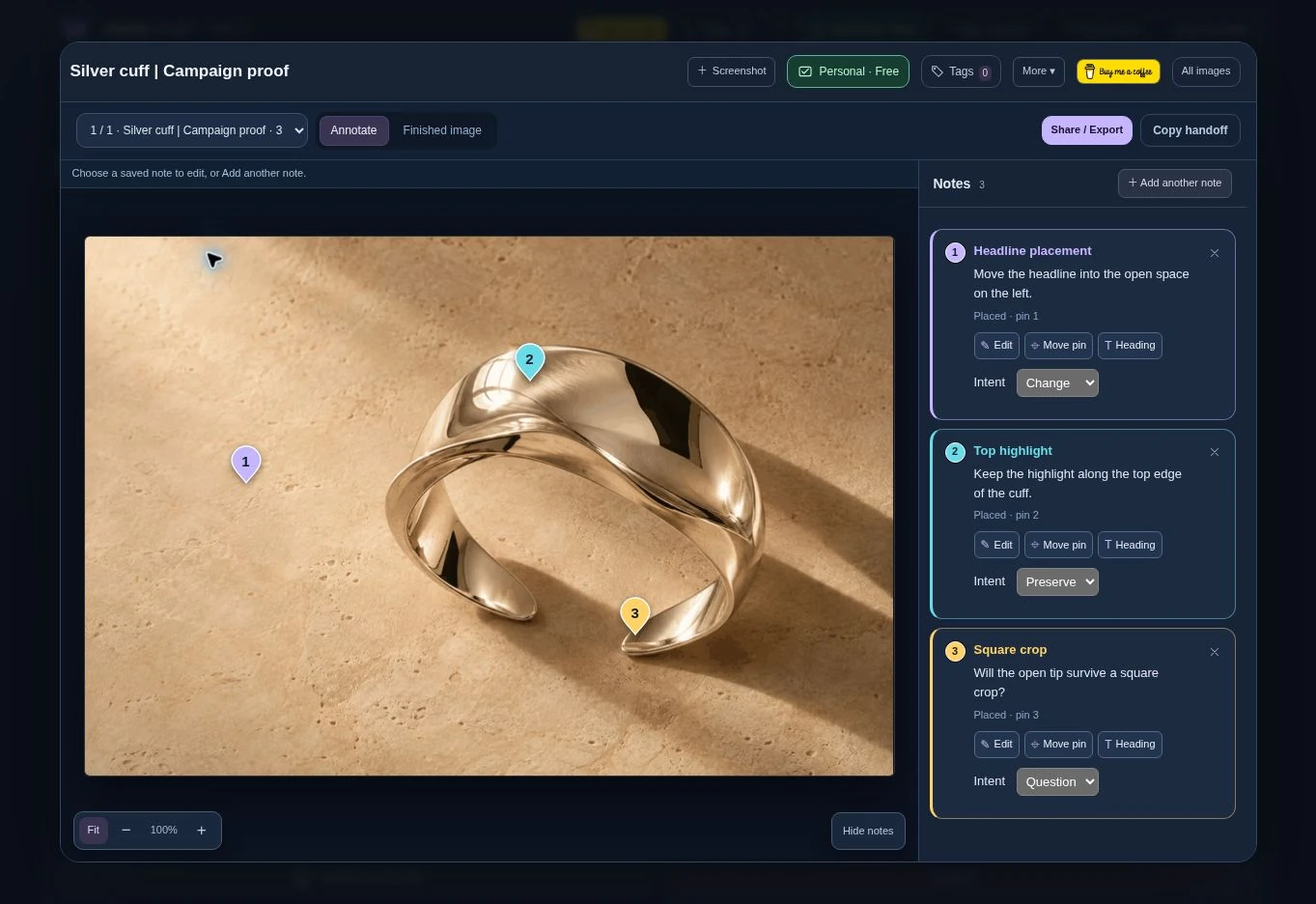
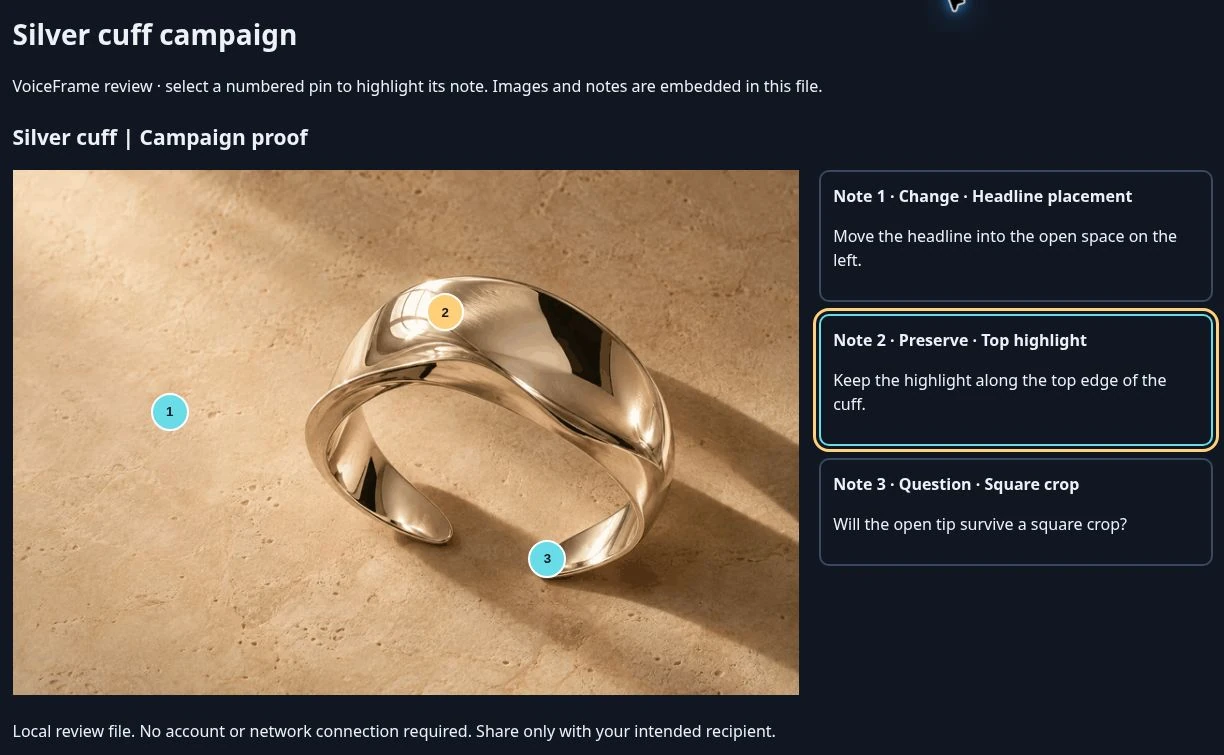
Select a numbered pin to read the note attached to that spot. This is a file exported by VoiceFrame.
Open the agency’s returned square proof. Read the full headline at its delivery size, compare the metal highlight with the approved image, and check whether the cuff tip survives the crop. If only the tip is unresolved, send back that one question.
Edit the three instructions in the campaign playground →This is a standalone review exported from VoiceFrame. It includes the same cuff and the same three notes.
Try the three labels on this campaign →