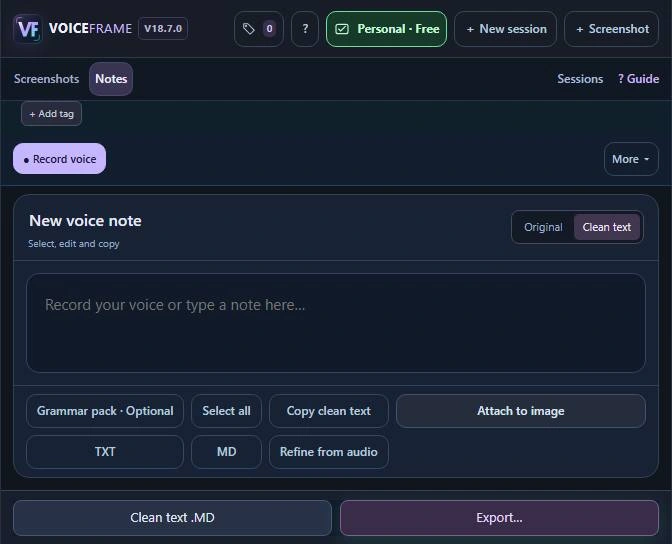
Dictate while the design stays in view
Keep the cover proof open beside the compact VoiceFrame window. You can speak while looking at the flower, then type the exact title before sending the brief.
Record beside the proof
- Choose Voice to text and turn on Show live words while you talk if you want to see the transcript. Select Record voice.
- Scroll up to reread a sentence while recording continues. Choose Jump to latest to follow the new words again.
Finish the wording
Choose Stop & save. In Clean text, check the title and its placement. If another thought occurs to you, choose Continue recording.
For the cover designer
“Set “Dahlia Field Notes” above the flower. Keep every petal in frame.”